
STEP 3
Check Your Email
You’re now ready for the next step: signing your Host Reservation Agreement.
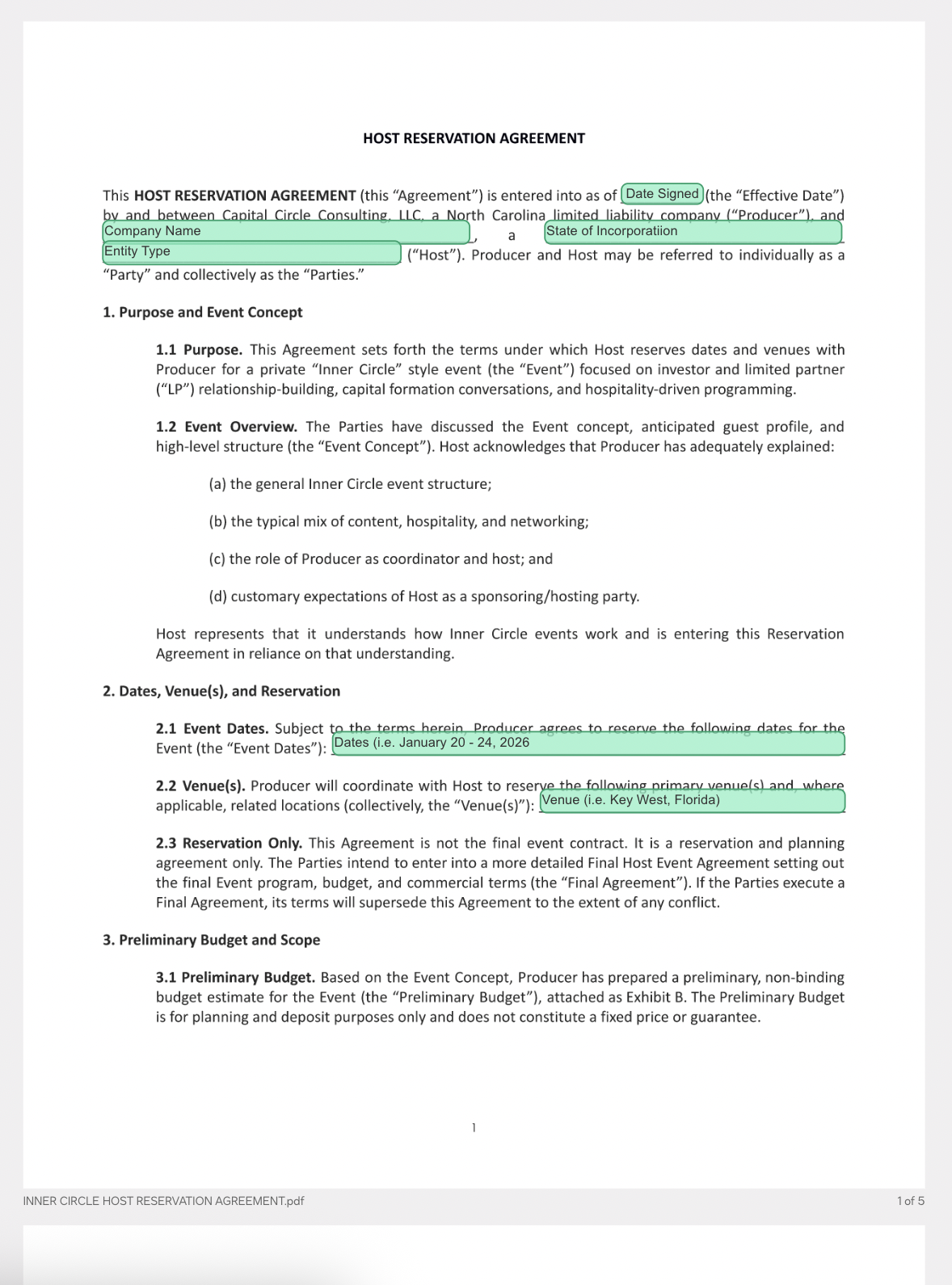
In the next 24 hours, you will receive a DocuSign agreement by email with the subject line “Inner Circle – GP in Residence Host Reservation Agreement.” This document formally confirms your status as GP in Residence.
Once you’ve signed via DocuSign, you will receive instructions to prepare for your upcoming event!
How to Sign Your Agreement
1. Check Your Email for DocuSign
We’ve sent you a DocuSign agreement titled: “Inner Circle – GP in Residence Host Reservation Agreement”
- Open your email inbox (and check Spam/Promotions if you don’t see it)
- Look for the DocuSign notification from our team
- Click the link in that email to review and sign the agreement
2. Sign the Agreement in DocuSign
Inside DocuSign, you’ll be able to review the agreement at your own pace, complete any required fields, and a pply your legally binding e-signature.
Once signed, your reservation moves from “initiated” to “confirmed for onboarding.”
3. Continue to Step 3
After you’ve signed the DocuSign agreement, return to this page and click the button to proceed.